Frostty is a modern terminal built for fast engineering workflows.
A fast, modern macOS terminal with vertical tabs, split panes, project switching, and git-aware controls. Built for engineering teams that live in the shell.
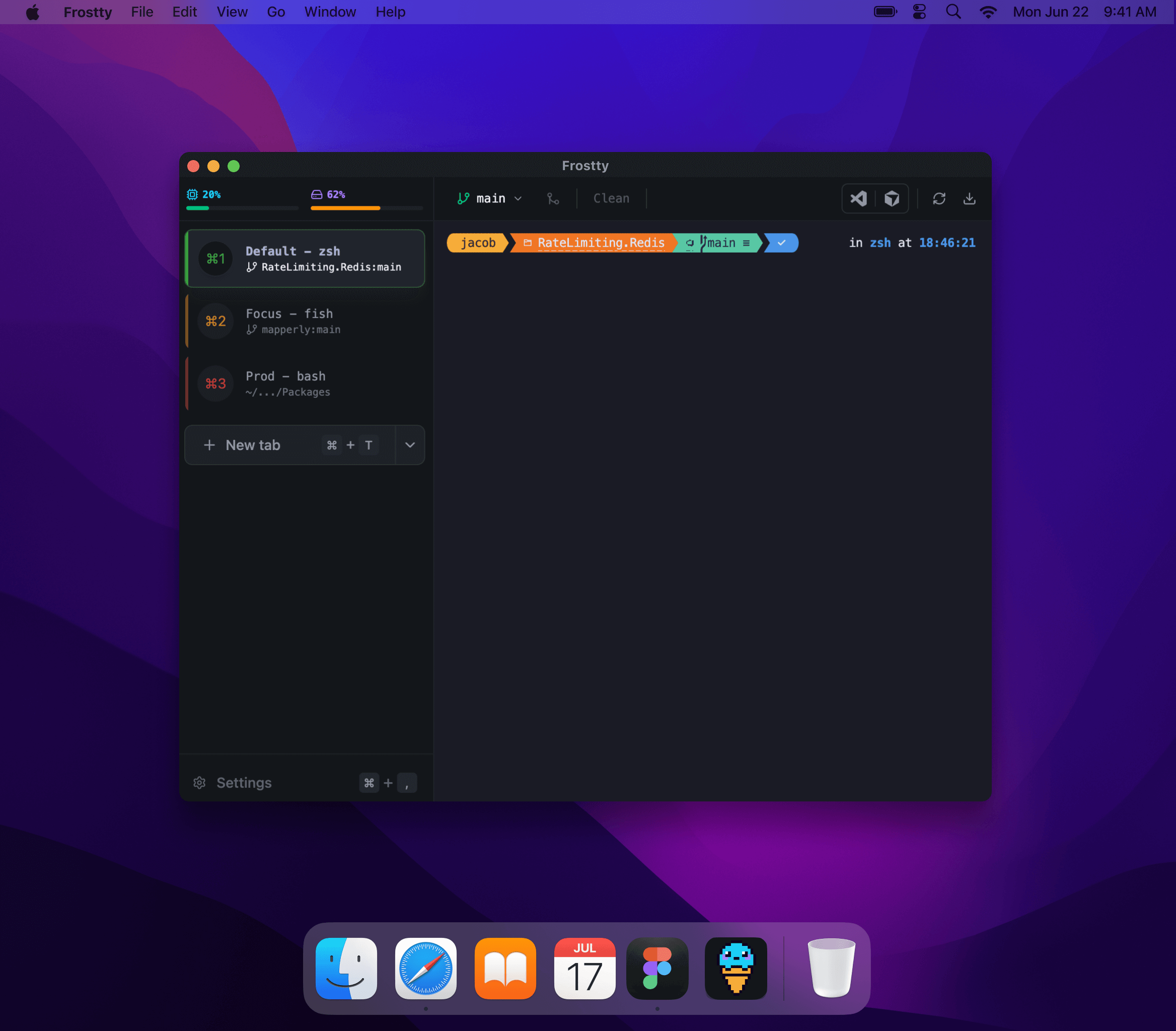
Why Frostty
Tabbed workflows
Vertical tabs, drag-and-drop ordering, and restore closed tabs instantly.
Powerful splits
Split terminals with keyboard-first navigation and flexible pane resizing.
Git and AI built in
Track branch status, run git actions, and generate commands in AI mode.
Quick Start
- Download the latest macOS build from GitHub Releases .
- Open the
.dmgand drag Frostty toApplications. - Launch Frostty and create your first profile in Settings.
- Open a tab, split it with
Cmd + D, and start working.
See the full setup and usage docs:
Last updated on